MacOS software development tools

I cover the different tools I use on MacOS to facilitate and speed up my work as a software developer.
Terminal
I use iTerm2 as my terminal. It allows me to split my screen into multiple parts when I need to monitor multiple processes on a single screen. CMD+D and CMD+Shift+D for horizontal and vertical split respectively. One setting I always tweak is the line buffer size.
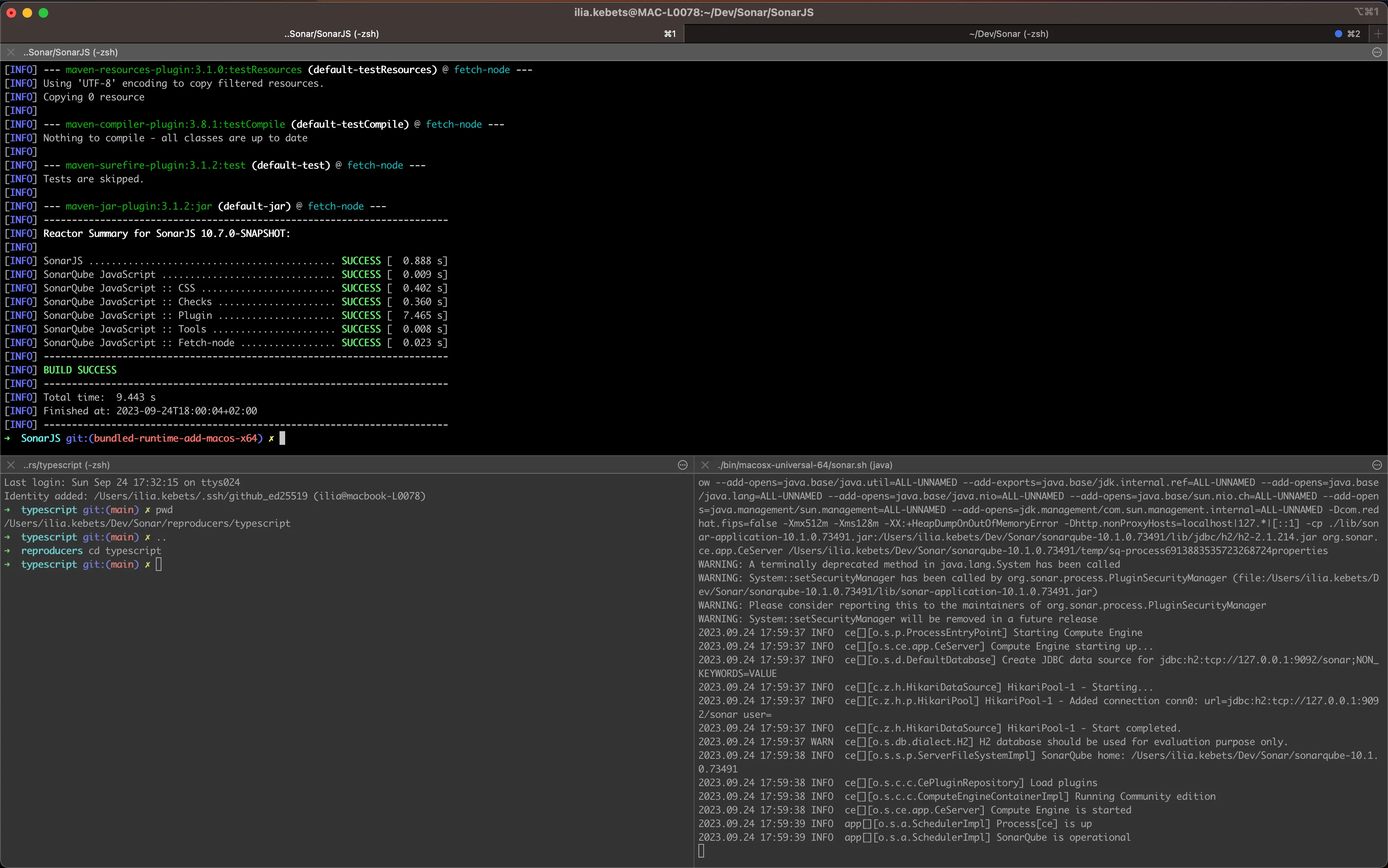
As a shell, I use Oh My Zsh for its out-of-the-box plugins offering shortcuts and because it displays my current branch in git repositories. My main shortcuts are for git and folder navigation:
gco: git checkoutgm: git mergegl: git pullgp: git pushll: ls -l..and..., etc:cd ..,cd ../.., etc
For folder navigation, I also use autojump which allows me to jump quickly between folders I visited like j my-repo. It matches the target folder by name and number of visits.
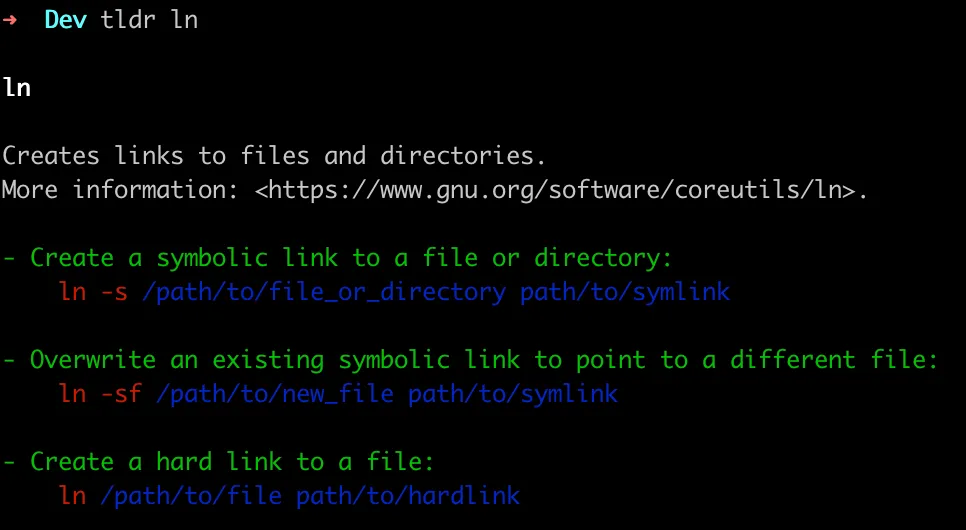
I don’t like the wall of text that man pages usually output, so I use tldr pages.
Git client
I use tig as a CLI git client, it’s a fast tool that allows me to stage files, cherry-picking blocks of codes or lines if needed. Navigating through the log is very convenient as it supports the same search keys as less. Here is a great article about it.
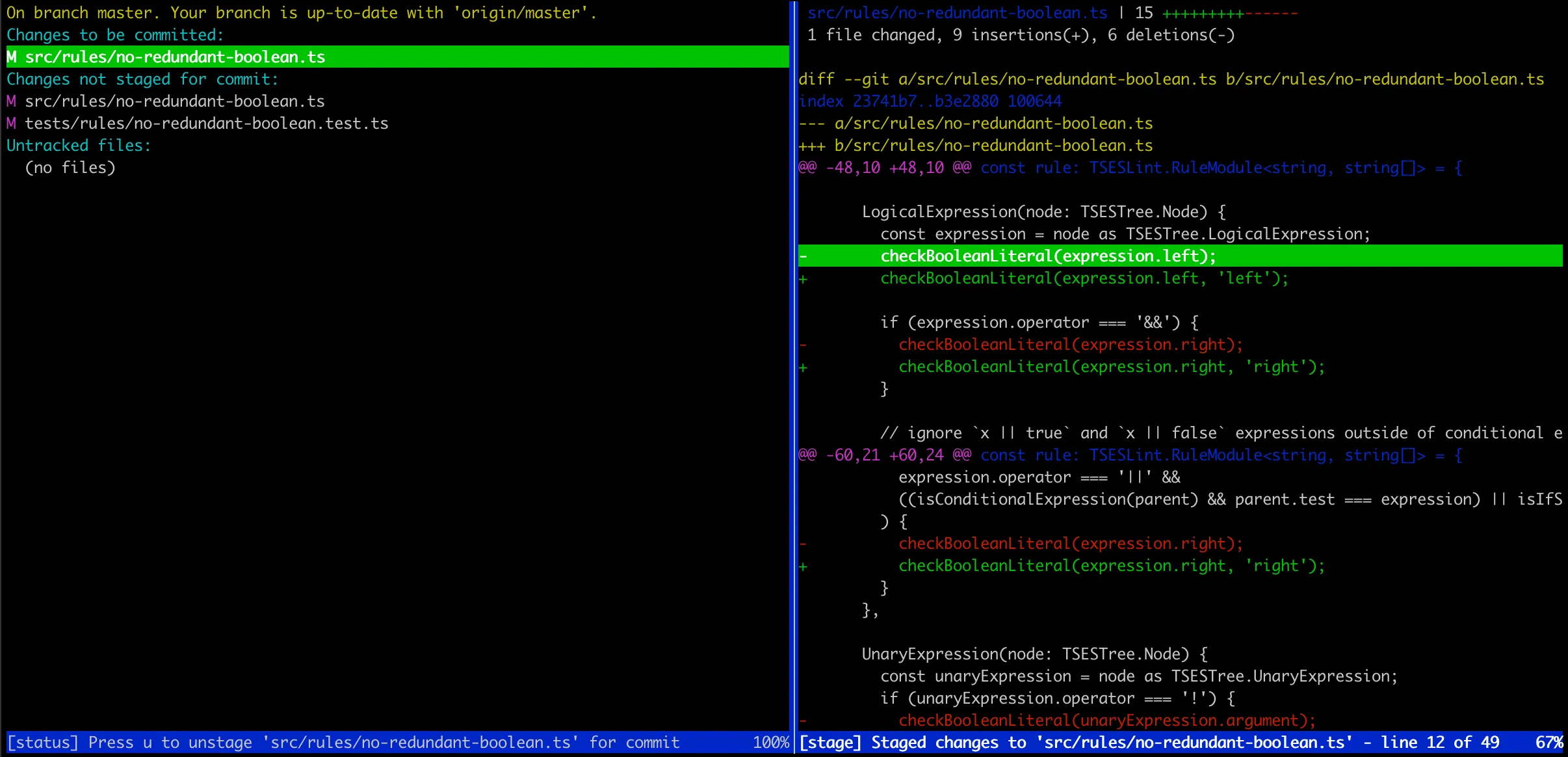
You can open the log view with tig, but I recommend setting up this alias to open tig in Status view directly: alias s="tig status". If you use “Oh My Zsh”, you should append this in ~/.zshrc.
I configure git to track remote branches automatically: git config --global --add --bool push.autoSetupRemote true.
Also, I prefer that git branch (or gb) doesn’t pipe its output in less with git config --global pager.branch false.
Node.js
I use nvm to work with multiple versions of Node.js. You can install a new version like 20 with your global dependencies using: nvm install 20 --reinstall-from=current.

Switch between versions easily with nvm use 18 and update your default with nvm alias default 20.
JavaScript/TypeScript IDE
As the majority of people, I use the VS code IDE for JS/TS.
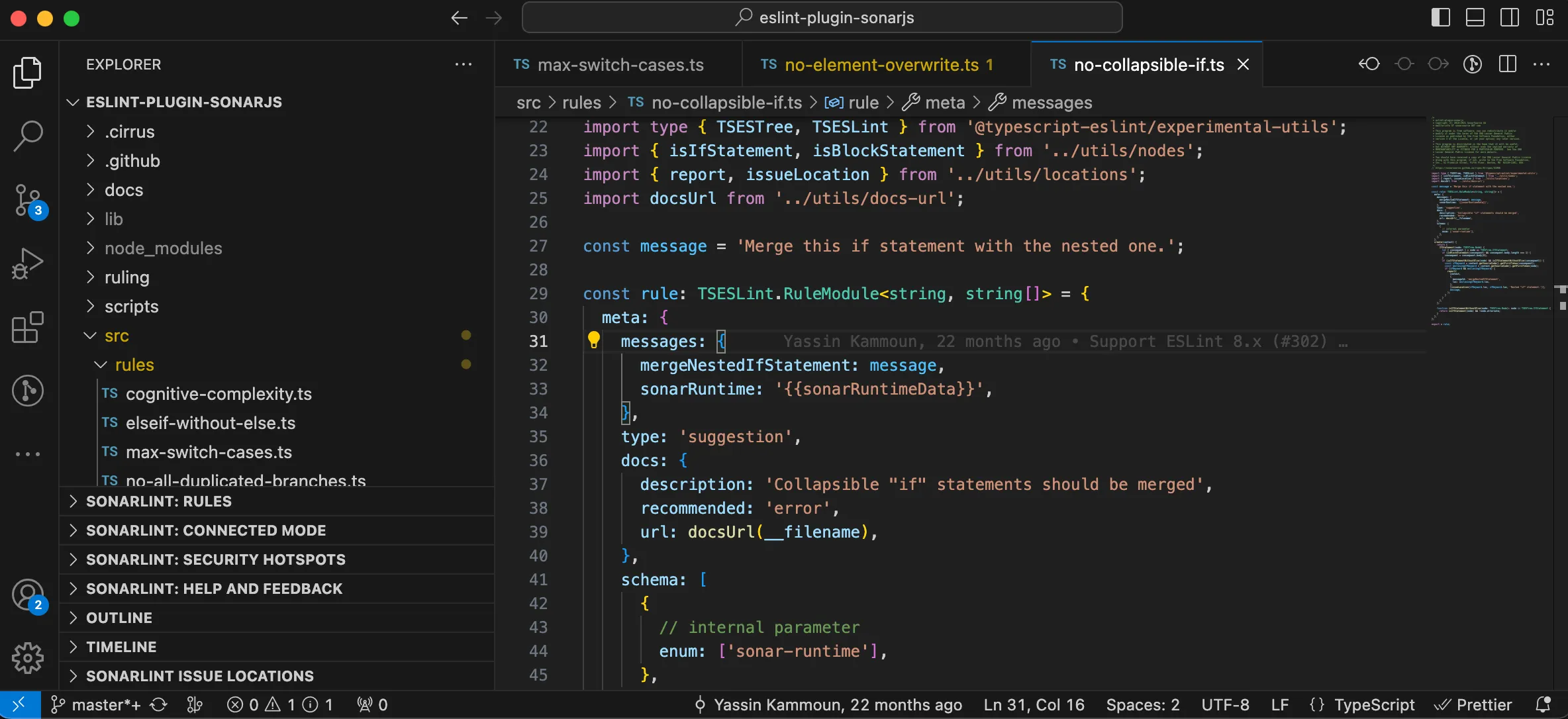
I open it from the terminal using code . which you can set up like that.
For extensions:
- GitLens provides blame information on lines of code, for context
- Jest runner easily runs single test suites from the IDE, with a debugger if needed
- ESLint, SonarLint, Shellcheck, and Prettier in the linter department
Java
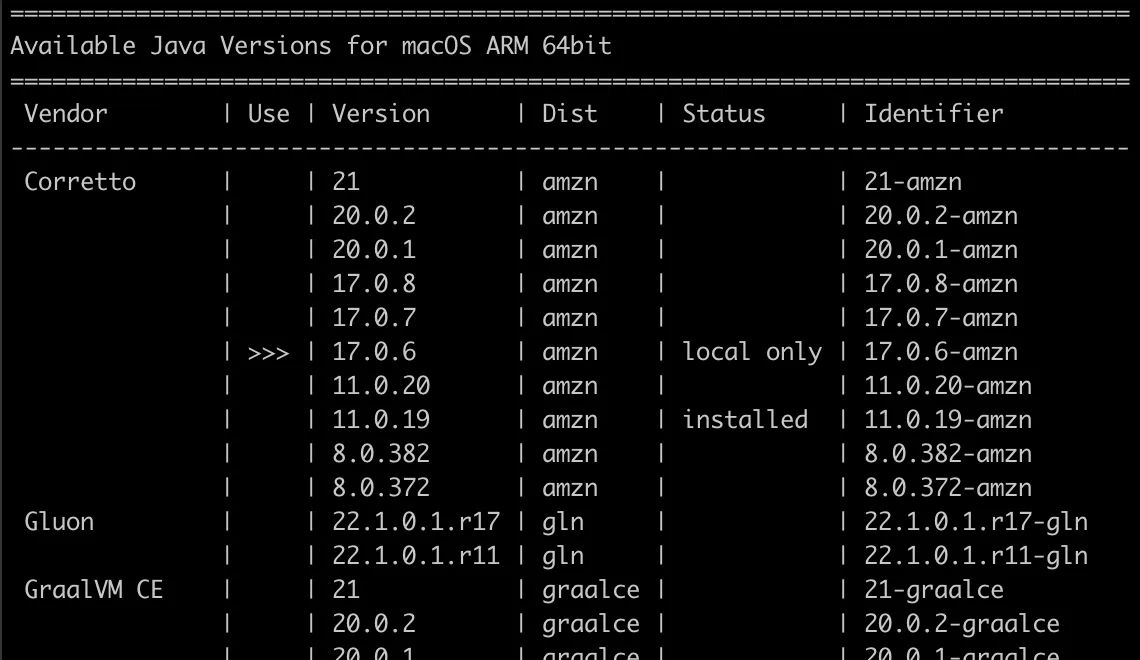
I use sdkman to install and switch between Java versions.
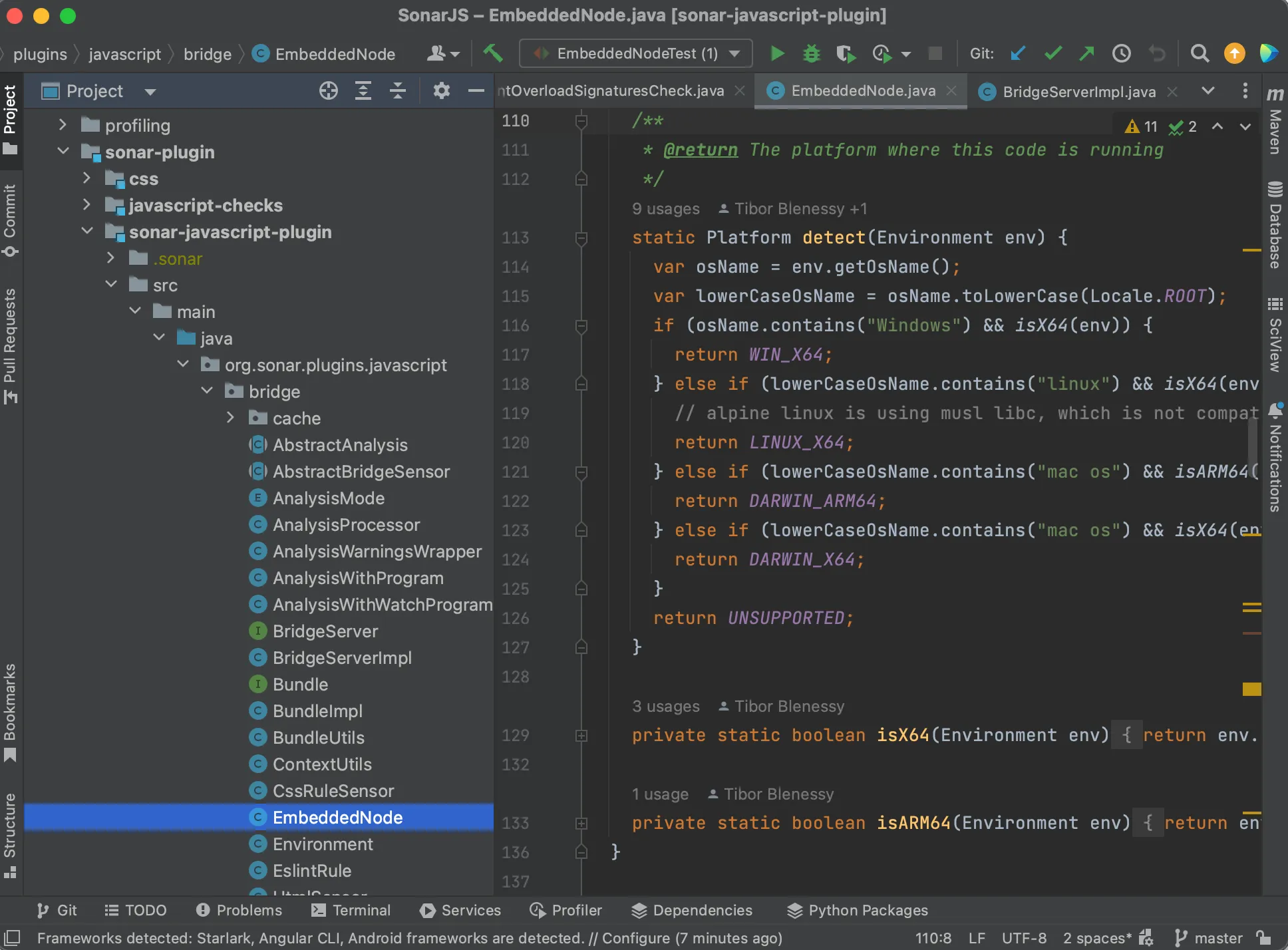
I use IntelliJ as an IDE for Java. It has a lot more built-in tools for Java development and beats VS code to it. It requires some time to learn all the shortcuts that will make you a power user but makes up for the loading time it spends indexing the projects.
Misc
For many of the tools here, I used homebrew to install them.

For app multiplexing on the desktop, I use Moom which is a paid tool. It allows me to resize apps to fit half or a quarter of a screen like on Windows.